WarFront Controls and HUD
Read the WarFront interface so every attack percentage and build click does what you intend.
Why controls deserve their own page
WarFront’s strategy depth is wasted if you mis-click attack percentage, open the wrong build tab, or lose the camera on mobile. This guide maps the HUD jobs you will use every match. Pair it with Getting Started for openers and Buildings for what the buttons unlock.
Exact icon art can shift after NutPunch patches — if a label moved, check the Changelog.
Core HUD regions
Map canvas
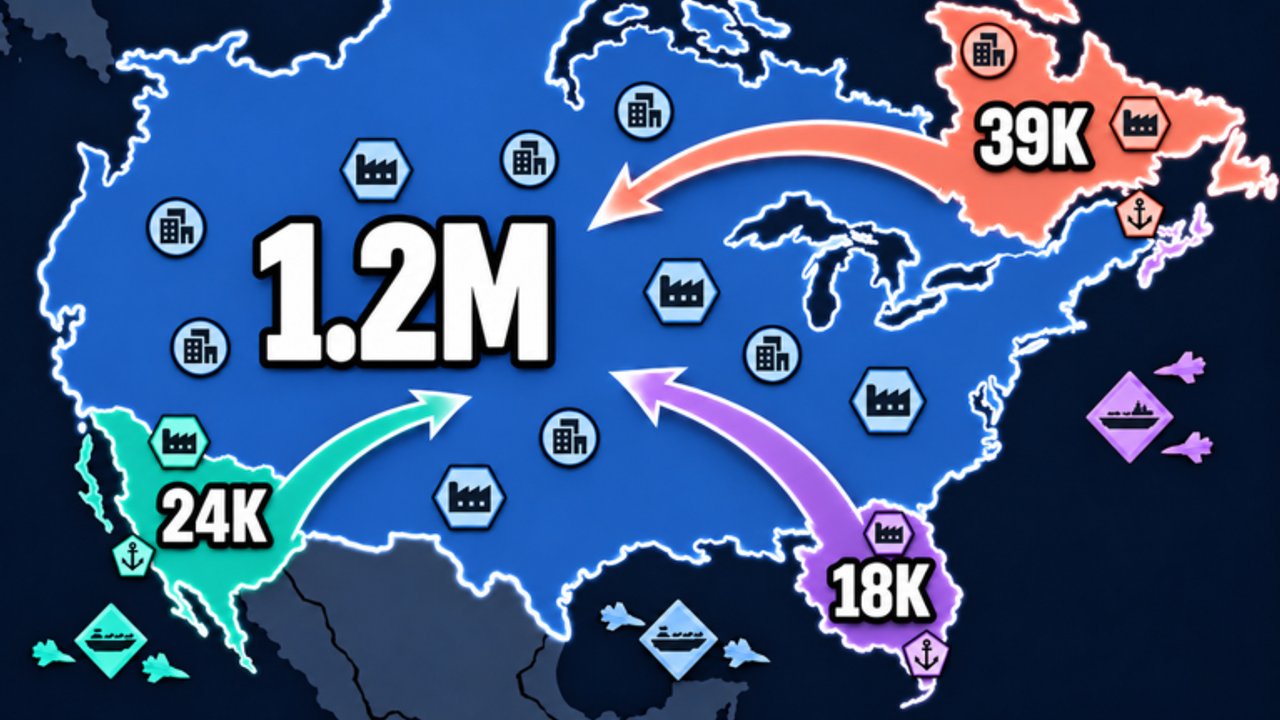
The world map is your primary view. Zoom to inspect borders before committing stacks. Click or tap owned territory to select your nation context, then target adjacent tiles or nations for attacks and builds. Keep an eye on the world control meter — that bar is the real scoreboard on the way to ~72–80%.
Attack / troop controls
OpenFront-style games expose an attack ratio or percentage control. Before each send:
- Select the front you intend to push.
- Set a partial percentage — beginners should avoid 100% entirely.
- Confirm the attack only after checking the opposite border of your empire.
Leaving troops home is not cowardice; it is how you survive counter-attacks. Deeper ratio theory: Troop ratio.
Build menu
Structures typically include:
- City
- Port
- Factory
- Defense Post
- Missile Silo
- SAM Launcher
Select the structure, then legal tiles. Gold-short states grey out options — do not spam clicks; fix income first via Cities/Ports. Priority cheatsheet: Buildings tier list.
Diplomacy / alliances panel
Requests, active treaties, and timers live here. Know how to accept, refuse, and view remaining duration before a betrayal window. Strategy context: Alliances.
Military specials
Boat transports, warship-related actions (when available), and nuclear launch flows usually sit behind secondary buttons once Ports or Silos exist. Launch UI is covered conceptually in Nukes and defense — practice once in a low-stakes moment, not during MIRV panic.
Info / leaderboard
Use rankings to see who is approaching the win bar. If second place is stacking silos, fund SAMs before vanity Factories.
Desktop tips
- Prefer hover tooltips when learning new icons.
- Zoom with the mouse wheel to verify whether a “weak” border is actually a player capital cluster.
- Keep chat readable but not covering the attack slider.
- If a panel refuses input, close overlapping menus (build + alliance + settings stacked is a common trap).
Mobile and tablet tips
WarFront officially supports Mobile and Tablet — great for queueing, harder for precision.
- Play landscape when possible.
- Zoom farther out before issuing long boat orders.
- Double-check the percentage slider; fat-finger 100% sends happen constantly on phones.
- After pasting a code, close the keyboard so Redeem / HUD buttons are visible again.
- Consider a trigger-friendly grip; strategy games punish accidental map drags mid-attack.
Console tips
- Learn which face button confirms attack versus cancel — mis-confirms at 100% hurt.
- Use radial or listed build menus slowly until muscle memory forms.
- Pair with a friend on voice if the lobby is chaotic; calling borders compensates for slower UI.
Settings worth checking
- Graphics quality vs frame rate on large late-game maps (nukes + boats are heavier).
- Sound cues for incoming threats if available — auditory nuke warnings save SAMs.
- Language / UI scale so percentage text stays readable.
Practice drills (10 minutes)
- Spawn, open build menu, place a City without attacking anyone.
- Issue three attacks at different percentages into empty land; after each, verify home troops remain.
- Open diplomacy and decline a request on purpose so you know the refuse path.
- Zoom to a coastline and find the Port placement preview.
- Locate the world control meter and say aloud who is ahead.
Related pages
Once the HUD is boring, you are ready to think in plans instead of buttons — that is when WarFront starts to feel like real OpenFront-style conquest.
Frequently Asked Questions
Quick answers to the most common questions.
Where is the attack percentage in WarFront?
On the combat / troop control portion of the HUD before you confirm an attack. Set a partial value and never default to 100% as a beginner.
Can I play WarFront on mobile?
Yes. The experience supports Mobile and Tablet. Use landscape, zoom carefully, and double-check the troop slider before sending.
Why can I not place a building?
Usually insufficient gold, illegal terrain (for example Port without water), or another panel blocking input. Close overlays and check resources.
Where do I manage alliances?
In the diplomacy panel. Learn accept, refuse, and timer readouts before you rely on peace in a ranked-feeling lobby.